No measurement mic preamp, no audio interface. One Android phone gives your speakers an objective workout — frequency response, distortion, polarity — and then an AI assistant tells you in plain language what is wrong and what to change.
不用买测量话筒卡座和声卡 —— 一台 Android 手机,就能给你的音箱做频响、失真、极性等客观测量,再让 AI 助手用人话告诉你"问题出在哪、怎么调"。
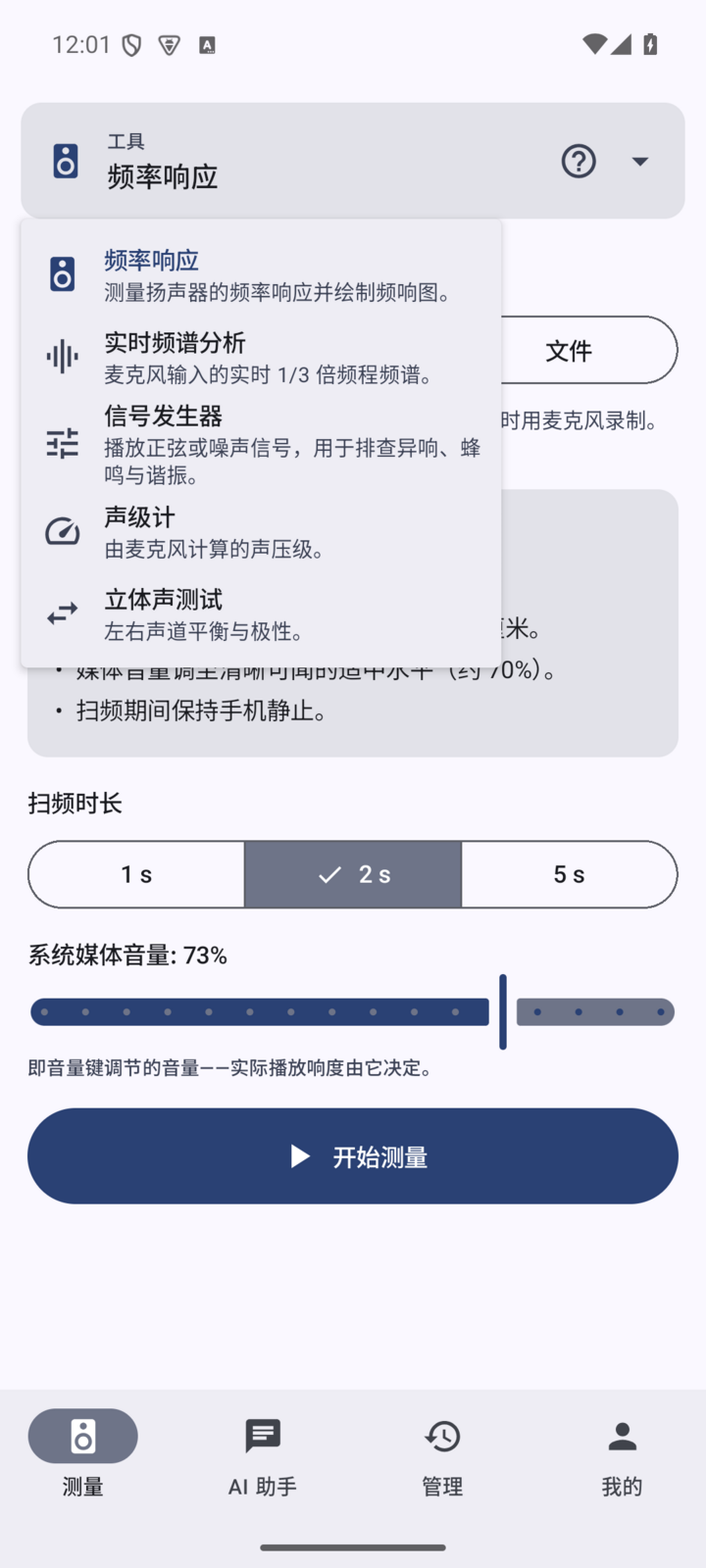
Twelve tools covering the whole speaker-tuning chain.
十二项测量工具,覆盖音箱调试的完整链路。
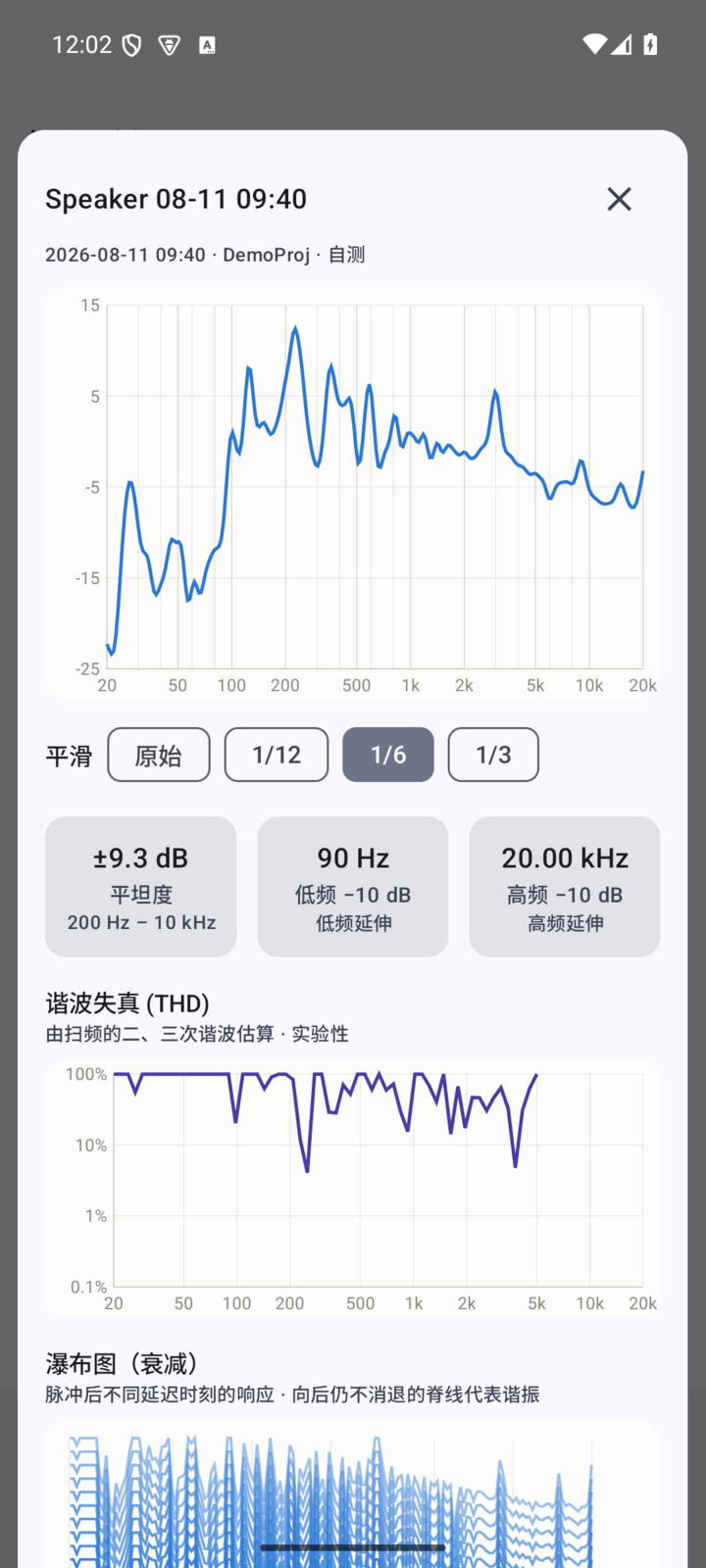
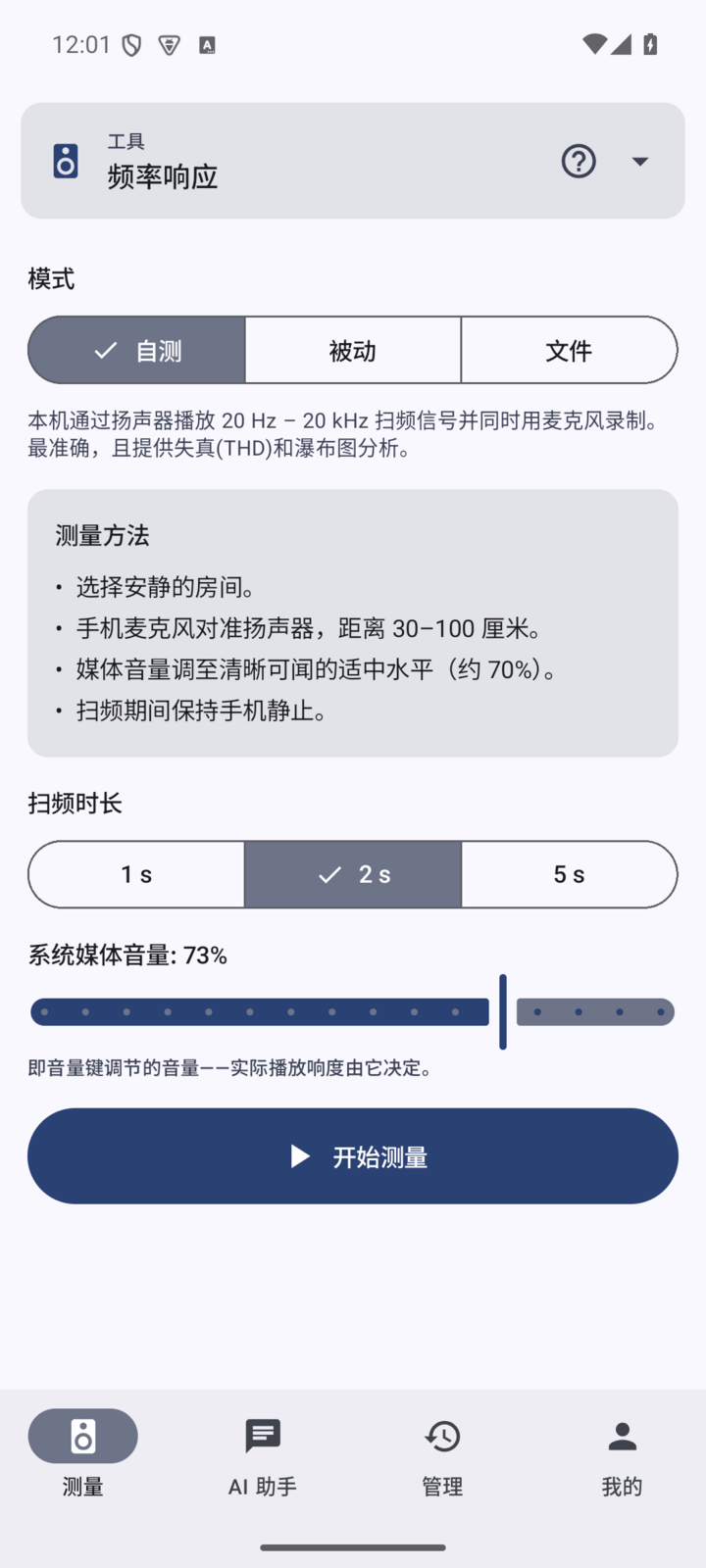
Log sweep, passive excitation or an audio file. Smoothed curves are generated automatically, and measurements can be overlaid for comparison.
对数扫频 / 无源激励 / 音频文件激励,自动生成平滑频响曲线,支持多次测量对比。
Per-order harmonic breakdown and a total harmonic distortion curve, exposing non-linearity in the driver and the cabinet.
各阶谐波分解与总谐波失真曲线,直观暴露单元与箱体的非线性问题。
Cumulative spectral decay, showing cabinet resonance and standing-wave ringing. Essential for enclosure work.
累积频谱衰减,看清箱体谐振与驻波拖尾——调箱必备。
Real-time analyser plus SPL meter, so placement work and room-mode hunting happen live.
实时分析仪 + 声压计 (SPL),摆位调试、房间模式排查即时可见。
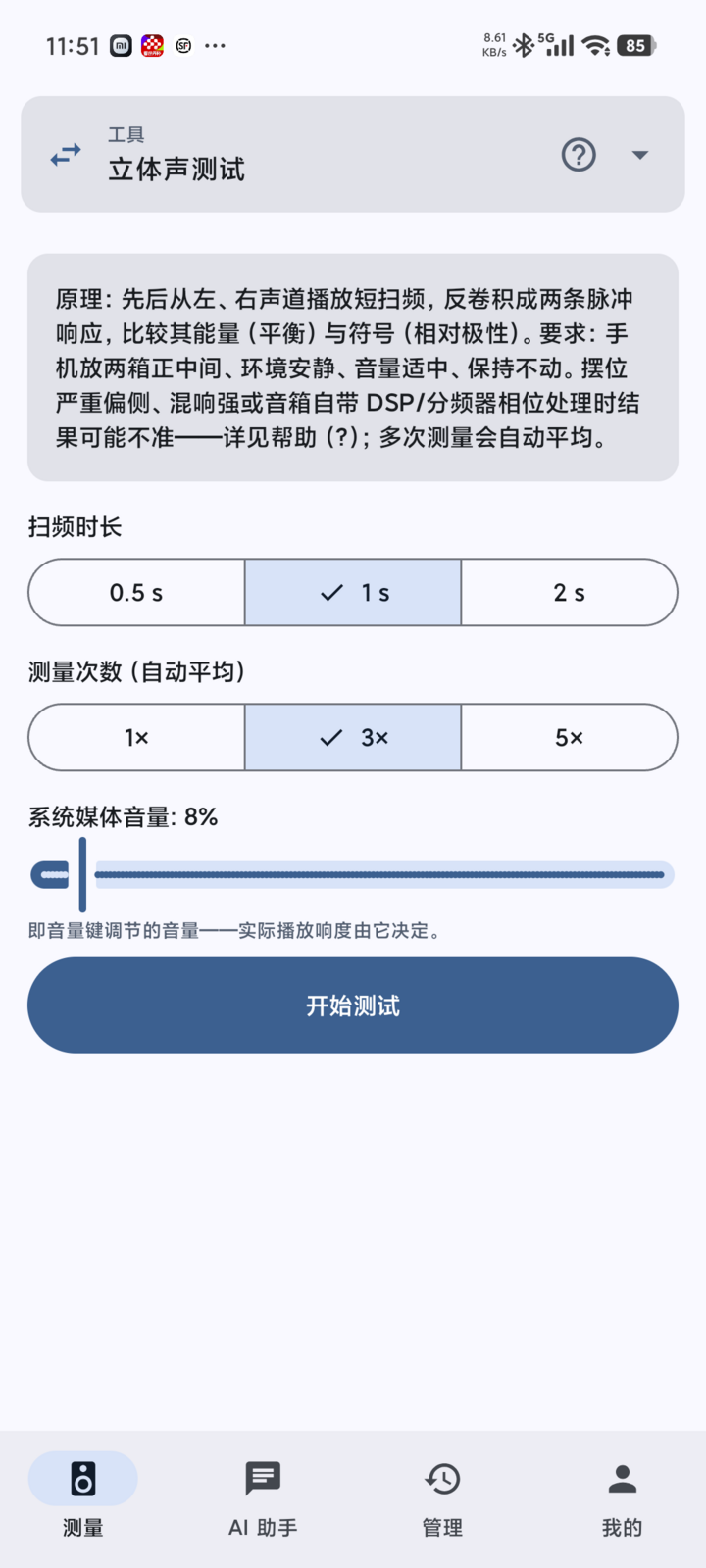
Compares left and right impulse responses to check wiring polarity and channel balance in one press, averaging over repeats.
左右声道脉冲响应对比,一键判断双箱接线极性与声道平衡,多次测量自动平均。
Import a calibration file from an iMM-6 or similar measurement mic and absolute SPL is calibrated automatically — trustworthy numbers from a phone.
导入 iMM-6 等测量麦克风校准文件,自动校准绝对声压,手机也能得到可信数据。
Play any music and measure the transfer function from it (H1 estimate plus coherence) — no sweep, no waking the household.
播放任意音乐即可测传递函数(H1 估计 + 相干函数),不打扰家人也能测。
Excess phase, group delay and reverberation time — the tools for home cinema and room acoustics.
超相位曲线、群延迟与混响时间,家庭影院与房间声学调试利器。
Fits parametric EQ to the measured curve, ready to copy or export in EQ APO format.
基于实测曲线自动拟合参数 EQ(PEQ),一键复制或导出 EQ APO 格式。
Probes and compensates for Bluetooth latency and clock drift, then sets gain, sweep length and averaging from the noise floor. Fully automatic — press once.
自动探测并补偿蓝牙链路延迟与时钟漂移;自动增益定标、噪声自适应扫频时长、收敛平均——全自动,一键即测。
Play pink noise, walk the listening area for 30 seconds, and get room-correction EQ for the whole zone — not just one sweet spot.
放粉噪、拿着手机在聆听区走 30 秒,自动生成整个区域的房间校正 EQ——不止一个皇帝位。
Gates out the first reflections automatically, producing a near-anechoic curve in an ordinary room so you can see the speaker itself.
自动门控第一反射声,普通房间测出准消声曲线,看清音箱本体的真实响应。
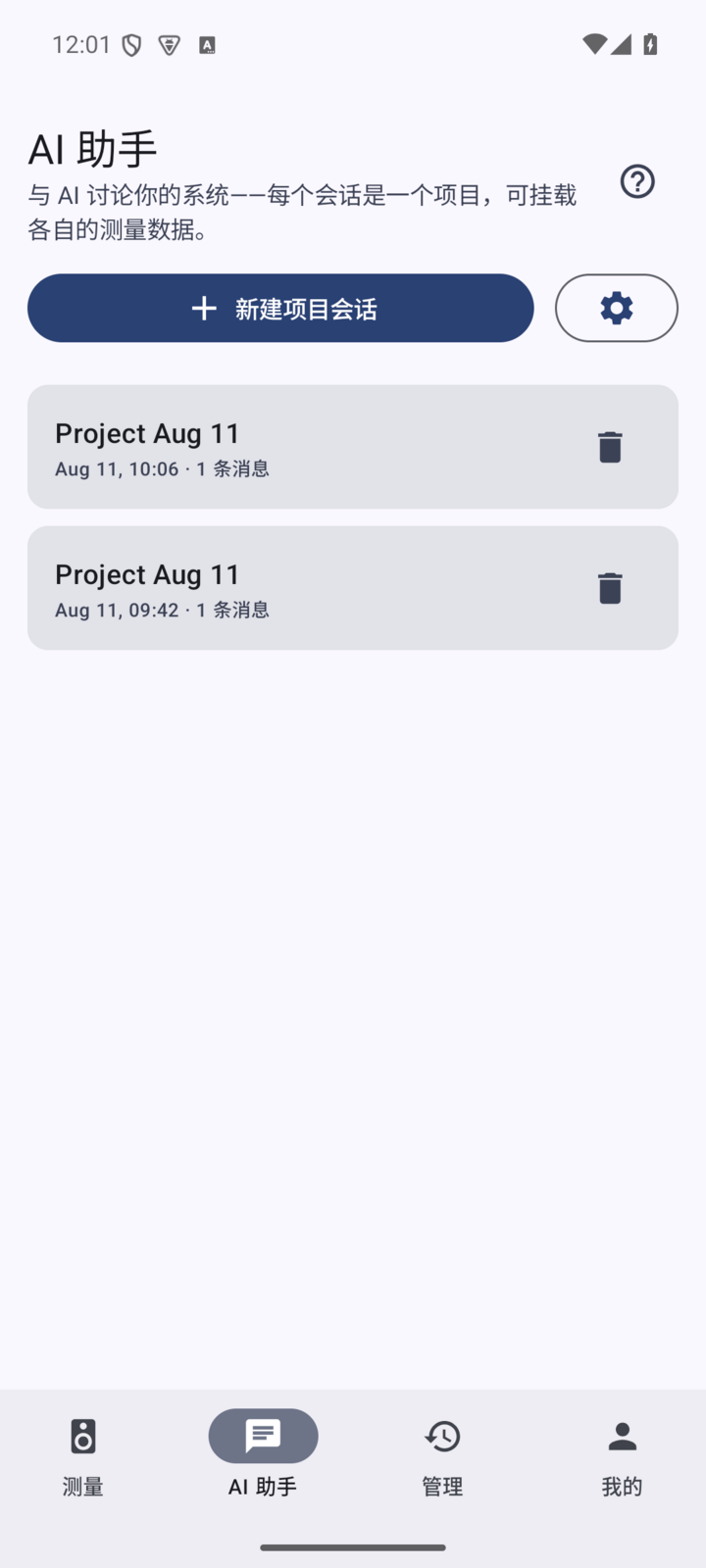
Attach a measurement to the conversation in one press and the assistant reads the curve, then suggests placement and EQ. Use the SonoScope VIP cloud channel, or plug in your own DeepSeek, OpenAI, Claude or Gemini key. Chats are organised per device, and conclusions export as a summary.
测量数据一键带入对话,AI 帮你解读曲线、给出摆位和 EQ 建议。支持声镜 VIP 云端通道,也可以接入你自己的 DeepSeek / OpenAI / Claude / Gemini 密钥。聊天按项目管理,结论可导出摘要。
Frequency response, THD and polarity context travel with the question, so the answer is about your speaker rather than speakers in general.
自动携带频响 / THD / 极性等测量上下文,回答不是泛泛而谈。
Each speaker is a "device under test": its measurements and its conversations live together and stay searchable.
每台音箱一个"被测设备",测量与对话归档在一起,对话也按设备分组,随时回溯。
The assistant turns a tuning session into an illustrated report — before/after comparison and EQ settings included — as PDF or PNG. Raw CSV and WAV come with you too.
AI 把整轮调音整理成图文报告,含前后对比与 EQ 建议,PDF / PNG 一键分享;测量数据 CSV / WAV 亦可带走。
The whole interface is available in English and Simplified Chinese, switchable instantly.
界面完整支持简体中文与英文,即点即切。
You do not have to stare at curves and guess. Hand the measurements to the assistant and it writes up the whole session: system overview, what it found, exactly what to change, before-and-after response, what to do next — with the measurement curves typeset as an appendix. Export as PDF or PNG. Below is a real export, from tuning a portable Bluetooth speaker.
测完不用自己看曲线纠结。把测量交给声镜 AI,它会把一整轮调音整理成一份图文报告:系统概览、发现的问题、具体调整参数、调整前后的频响对比、下一步该怎么做,连测量曲线附录都排好版—— PDF / PNG 一键导出分享给朋友或发烧友群。下面是一份真实导出示例(便携蓝牙音箱调音)。
| Frequency | Before | After | Change |
|---|---|---|---|
| 55 Hz | −30.9 dB | −35.4 dB | slightly lower |
| 85 Hz | −2.1 dB | −3.5 dB | down 1.4 dB |
| 4.2 kHz | +9.6 dB | +4.2 dB | −5.4 dB |
| 10 kHz | −5.2 dB | −27.4 dB | measurement artefact |
| 频率 | 调整前 | 调整后 | 变化 |
|---|---|---|---|
| 55 Hz | −30.9 dB | −35.4 dB | 略有下降 |
| 85 Hz | −2.1 dB | −3.5 dB | 下降 1.4 dB |
| 4.2 kHz | +9.6 dB | +4.2 dB | −5.4 dB |
| 10 kHz | −5.2 dB | −27.4 dB | 测量干扰 |
The report does not stop at conclusions. It ends with an action list you can follow step by step, even as a beginner:
报告不只给结论,还给可执行的行动清单——小白也能照着一步步调:
Shot on a real handset. What you see is what ships.
真机实拍,所见即所得。
Every new account gets 7 days of the full app. Currently a direct APK; a store release is in preparation.
新账号注册即享 7 天全功能试用。当前为 APK 直装包,应用商店版本筹备中。
After the trial, VIP unlocks every measurement feature and SVIP adds a monthly AI allowance. Free launch memberships are still available.
试用期后,VIP 解锁全部测量功能,SVIP 追加每月 AI 额度。现在还有开业免费名额可领。
 IVY Drive